Table of contents
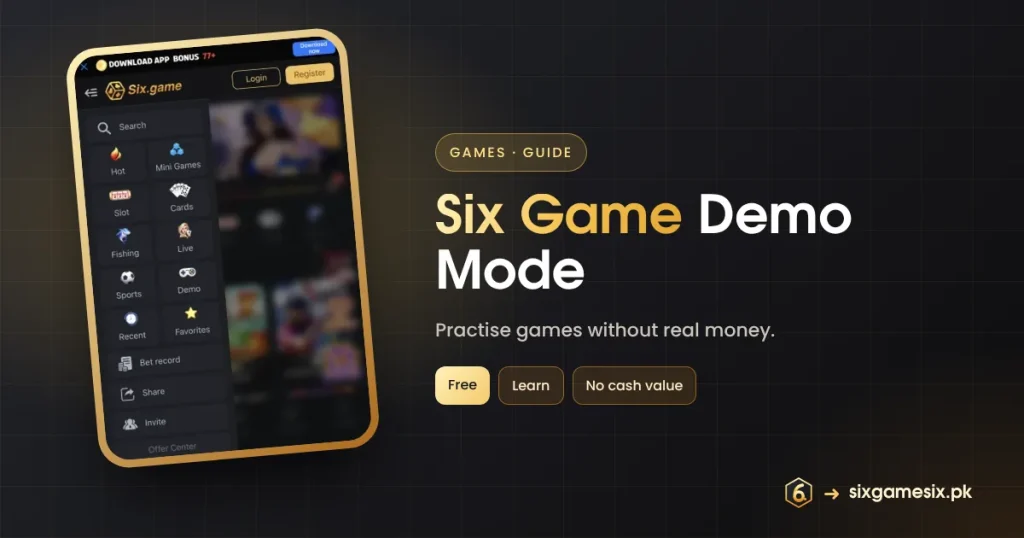
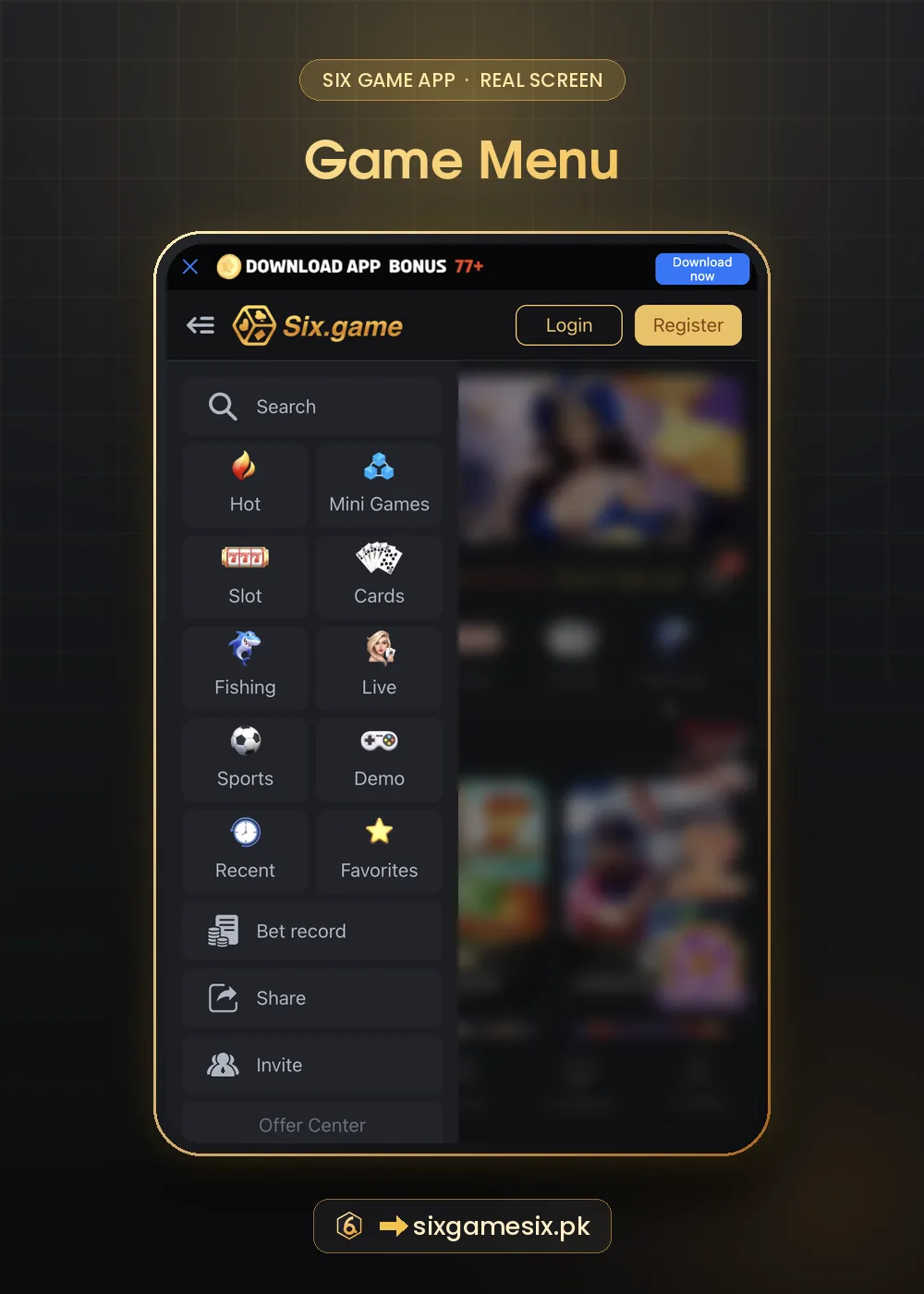
Six Game demo mode lets you try games without real money. A Demo link appears in three places: the side menu grid, the Register screen and the Login screen. This guide explains how to open Demo, what it is good for, what it cannot tell you and how to move from Demo to real play sensibly.
Where to Find Six Game Demo
| Place | What you see |
|---|---|
| Side menu | A Demo tile with a game controller, next to Sports |
| Register screen | Demo link to the right of Customer Service |
| Login screen | Demo link between Customer Service and Forgot Password |
How Six Game Demo Works
- Tap Demo from the menu or the Login/Register screen.
- Pick a game that supports demo play.
- Play with practice credits instead of your real balance.
- Leave Demo when you are ready; your real balance is untouched.
Demo credits have no cash value and cannot be withdrawn, and demo rounds do not count for VIP, missions, rebates or betting requirements. That is the point: Demo is for learning, not earning.
What Six Game Demo Is Good For
- Learning the buttons, bet sizes and auto features of a new game.
- Understanding the timing of Aviator’s cash-out.
- Reading a slot’s paytable and seeing its bonus round.
- Testing a stake size against your budget before playing for real.
What Demo Cannot Tell You
Demo results do not predict real results. A winning demo streak does not mean the game is “hot”, and a losing one does not mean it is “due”. Every round in both modes is random. Some players feel more confident after Demo and raise their real stakes; keep the same budget you planned before trying Demo.
Some fake sites show a “demo” that always wins, then ask for a deposit. The real Six Game Demo is inside the official app, reached from the menu or Login screen.
Moving From Six Game Demo to Real Play
- Set a session budget and stop time.
- Read the first deposit tiers and pick a small one.
- Use the same stake you tested in Demo, or smaller.
- Check Bet record after the session.
Demo and Responsible Play
Demo is one of the best responsible-play tools in the app, because it lets curiosity be satisfied without spending. If you want to try a new game, use Demo first. If you notice you are using real money to “try” games, switch back. Our Six Game safe play plan has more tips, and BeGambleAware offers free tools.
A Six Game Demo Practice Routine
Spend ten minutes in Six Game demo before any new game. First, read the rules or paytable. Second, play twenty rounds at the stake you would use for real, noting how quickly the practice balance moves. Third, try any auto features, such as Aviator’s auto cash-out or a slot’s auto-spin with a stop. Finally, ask yourself whether the pace suits your budget. If the practice balance dropped fast, the real one would too. This routine turns Demo from a toy into a planning tool, and it costs nothing.
- Read the rules.
- Play twenty rounds at your real stake.
- Test auto features with limits.
- Decide if the pace fits your budget.
Six Game demo is also useful after a break. If you have been away for a while, a few demo rounds remind you how a game feels before you use real money again. Because Six Game demo credits refill freely, there is no pressure to “win them back”, which makes it a calm way to return.
Our Verdict
Six Game demo mode is an easy, free way to learn games before spending. Use it for every new game, remember that demo results predict nothing, and keep your real budget unchanged.
Related Six Game Guides
Six Game Demo FAQ
Is Six Game demo free?
Yes. Demo uses practice credits, not your balance.
Do I need an account for Six Game demo?
Demo appears on the Login and Register screens, so you can try it before signing in.
Can I withdraw demo winnings?
No. Demo credits have no cash value.
Do demo results predict real play?
No. Both modes are random.