Table of contents
Table of Contents
This Six Game register guide walks through the Register tab field by field, explains the difference between Password registration and Code register, shows what the invite code box is for and lists the mistakes that cause trouble later with logins and withdrawals.
The Six Game Register Screen
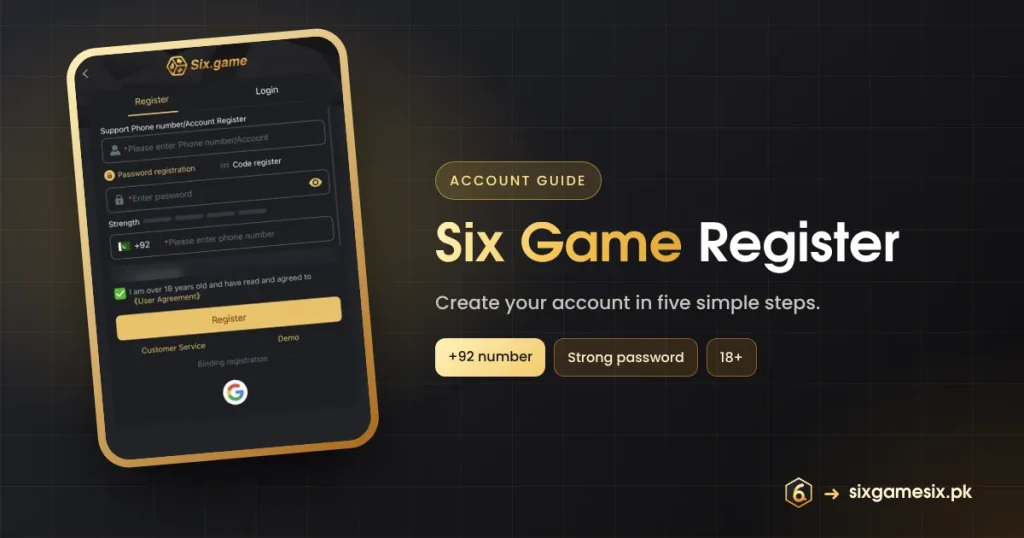
After you open the app, the Six.game logo sits above two tabs, Register and Login. Register is selected first. The screen asks for five things and one confirmation, and everything fits on one page. Under the gold Register button you will find Customer Service and Demo, and further down a “Binding registration” line with a Google button.
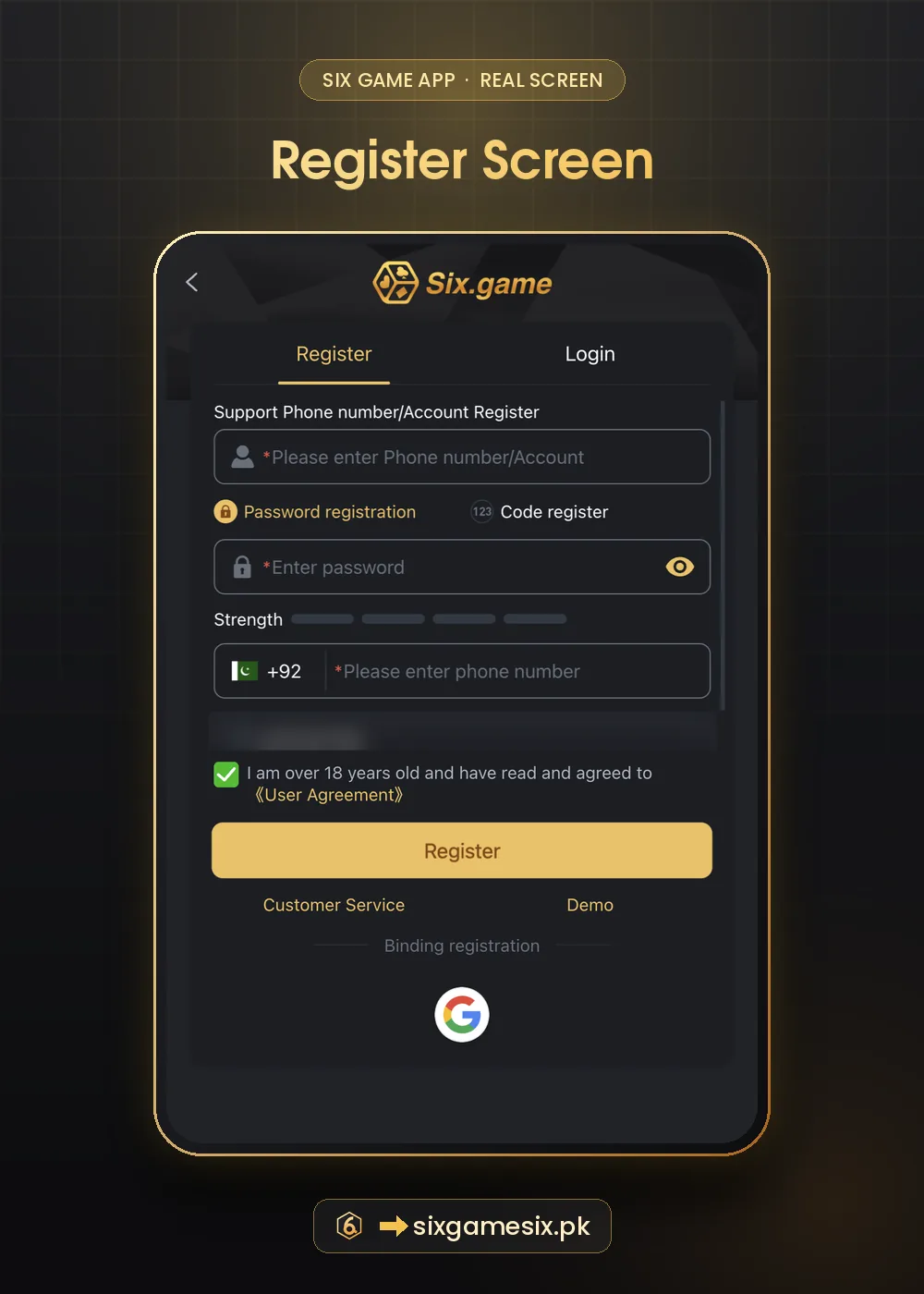
| Field | What it asks | Tip |
|---|---|---|
| Phone number/Account | A mobile number or an account name | Use something you will remember; it is your login |
| Password registration / Code register | Choose a password now or verify with a one-time code | Password registration is quicker; Code register proves the number |
| Enter password | Your password, with an eye icon to show it | Fill all four Strength bars |
| +92 phone number | Your Pakistani mobile number | Use your own active SIM |
| Invite code | Filled automatically if you used an invite link | Leave it as it is or empty |
| 18+ checkbox | Confirms age and the User Agreement | Read the agreement first |
Six Game Register in 5 Simple Steps
- Open the official Six Game page and tap Register.
- Enter your phone number or choose an account name.
- Pick Password registration and type a strong password until the Strength bars fill.
- Enter your mobile number after +92, check the invite code box and tick the 18+ box.
- Tap Register. The app logs you in and usually shows the First Deposit Extra Reward popup.
Password Registration or Code Register?
Password registration creates the account immediately with the password you type. Code register sends a one-time code to your phone and uses it to confirm the number. Both lead to the same kind of account. If your SIM is active and nearby, Code register is a good way to make sure the number is typed correctly, which matters later for resets and withdrawals. Whichever you choose, the code is private: nobody from Six Game needs it from you.
Binding Registration With Google
The Google button under “Binding registration” links your Google account to Six Game so you can sign in with it later. It is convenient, but it ties the game account to your main email. If you share your phone with family, a separate password login may be better. Google explains how to check which apps can use your account on its account help page.
What Happens After You Register on Six Game
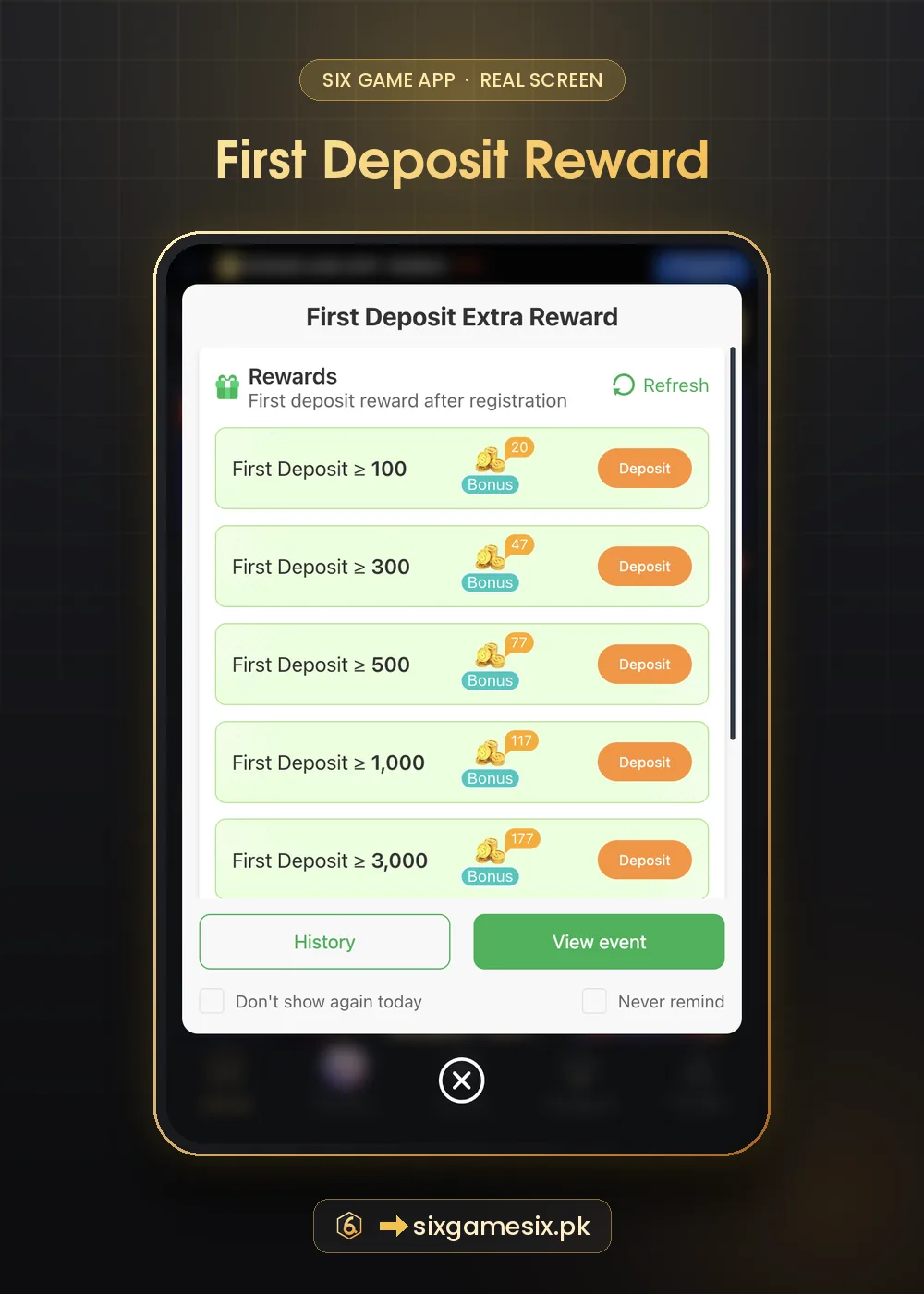
New accounts usually see two popups. The first is the First Deposit Extra Reward list (100 → 20, 300 → 47, 500 → 77, 1,000 → 117, 3,000 → 177). The second is the VIP check-in card that starts at “Consecutive checked-in 0 days”. You can close both and come back later. The Mission tab also shows Newplayer tasks such as “Sign up an account” (20 points), “First deposit upon registration” (20 points) and “Login to the APP (First deposit)” (50 points). Read the first deposit bonus guide before choosing a tier.
Common Six Game Register Mistakes
- Using someone else’s number, which blocks resets and payouts later.
- Choosing a weak password such as 123456 or your name.
- Opening a second account for bonuses; most platforms close duplicate accounts.
- Registering on a look-alike page reached from a random link.
- Ticking the 18+ box when you are under 18. The app is for adults only.
If anyone offers to “register for you” or asks you to send a code that just arrived by SMS, stop. That is how accounts are stolen.
Securing a New Six Game Account
Open Profile, then Security Center, and check the options there right after you register. Make sure your phone number is correct, set or change the password if needed and note how Forgot Password works. Our Six Game account security guide explains each setting in plain words.
Next Steps After Six Game Register
Bookmark the Six Game login guide, try a game in Demo mode, and read the deposit guide before your first top-up. If you have not installed the app yet, our APK download guide explains how to get the official version.
Six Game Register FAQ
Is Six Game register free?
Yes. Creating a Six Game account costs nothing.
Can I register without a phone number?
The first field accepts an account name, but the form also asks for a +92 number. Use your own.
What is the invite code box?
It records who invited you. It fills automatically from an invite link and can stay empty.
Why did registration fail?
Usually the number is already registered, the password is too weak or the code expired. Try again or contact support.
Can I register two accounts?
Do not. Duplicate accounts usually lose bonuses and may be closed.
How old must I be?
You must be 18 or older and confirm it with the checkbox.