Table of contents
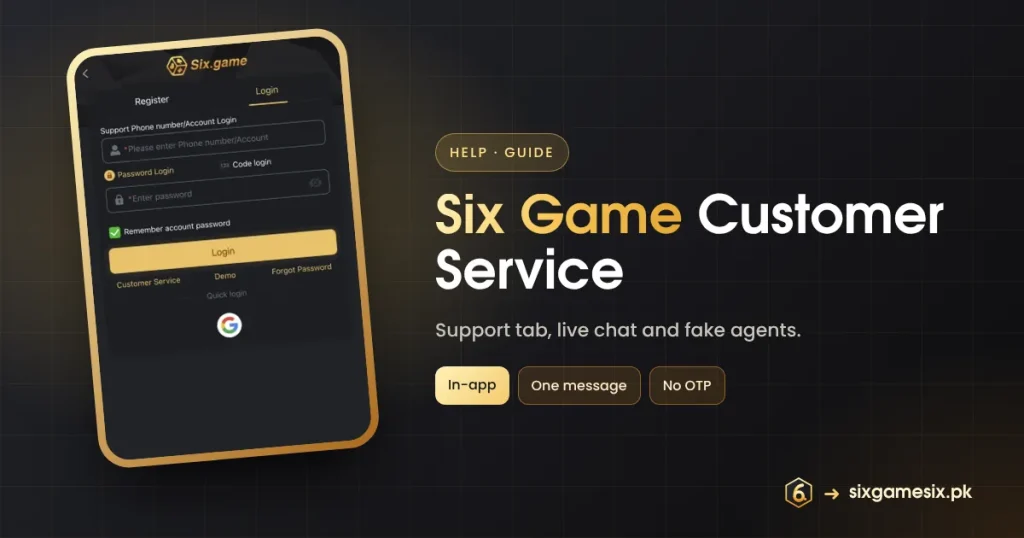
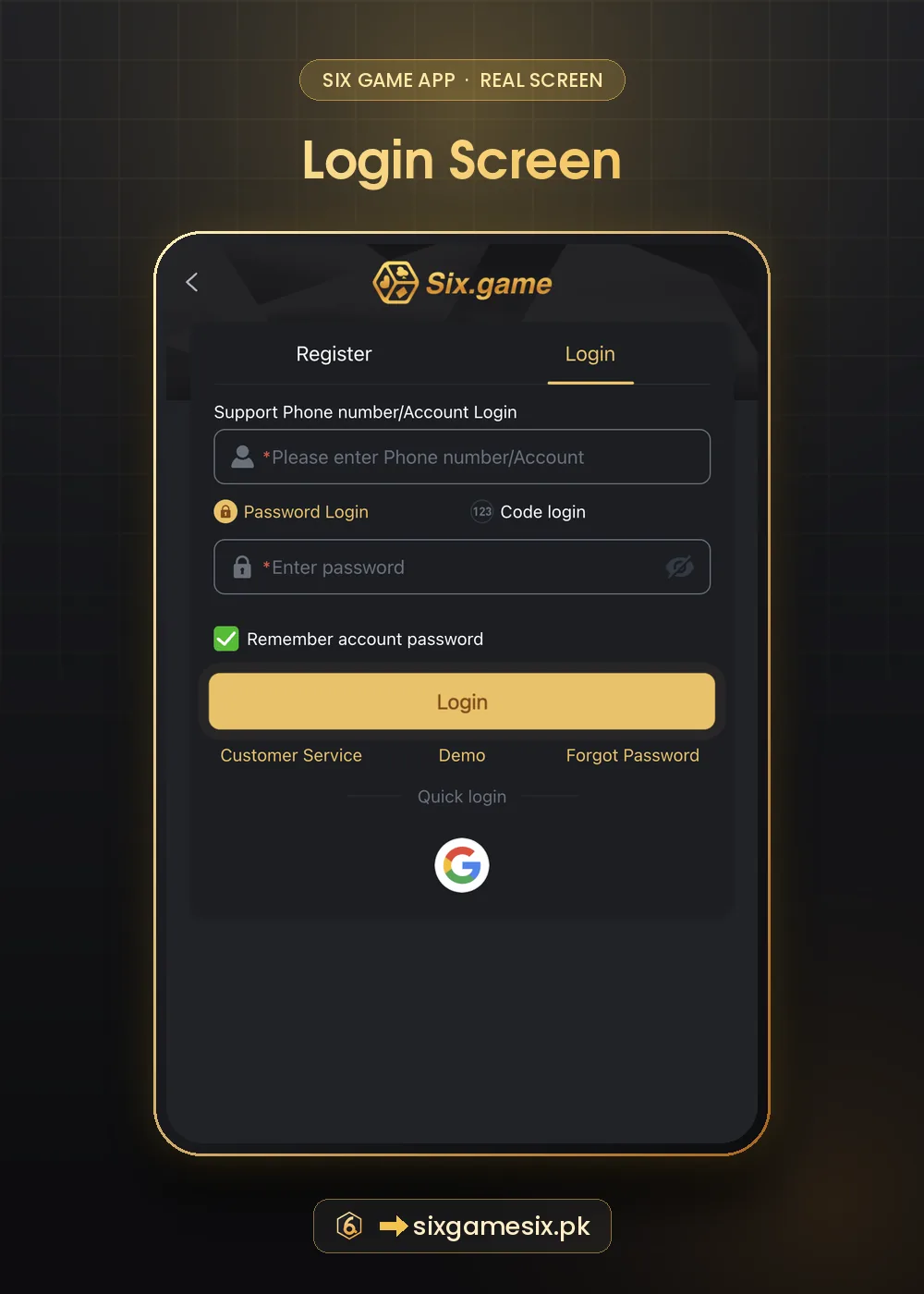
Six Game customer service is reachable from four places in the app: the Support tab, the Customer Service link on the Login and Register screens, the envelope message icon on the home screen and the floating support button on this site. This guide explains which to use, what to send for each problem and how to recognise fake support.
How to Reach Six Game Customer Service
| Route | Where | Best for |
|---|---|---|
| Support tab | Bottom bar, fourth icon | All account and payment questions |
| Customer Service link | Login and Register screens | Problems signing in or registering |
| Message icon | Home screen, envelope with a counter | Notices and replies from the platform |
| Live chat link | Six Game live support | Quick help from any browser |
What to Send Six Game Customer Service
| Problem | Include |
|---|---|
| Deposit not credited | Amount, time, method, transaction ID, receipt screenshot |
| Withdrawal waiting | Amount, time, payout method, My Records screenshot |
| Bonus missing | Event name, date, screenshot of the event and History |
| Cannot log in | Phone/account, what error appears, when it started |
| Suspicious activity | What you noticed, time, and that you changed your password |
Put everything in one message. Agents handle complete requests faster, and you avoid repeating yourself when a chat is passed to another agent. Stay polite and keep the chat open until you receive a reference or an answer.
What Six Game Customer Service Will Never Ask
- Your password.
- A Code login or SMS code.
- A payment to a personal number to “release” money.
- Remote access to your phone.
If “support” contacts you first on WhatsApp or Telegram, it is not Six Game. Close the chat and use the in-app Support tab.
Fake Six Game Support Accounts
Scammers create profiles with the Six.game logo and reply to people who post complaints in public groups. They seem helpful, then ask for an OTP or a fee. The real support lives inside the app. Our official website guide explains how to stay on genuine pages.
If Support Does Not Solve the Problem
- Ask for a case or reference number.
- Ask when you should expect an update.
- Keep screenshots of the whole chat.
- For payment problems, contact your bank or wallet with the transaction ID.
For gambling-related worries rather than technical problems, free and confidential help is available from Gamblers Anonymous.
Six Game Customer Service Response Tips
Agents handle many chats at once, so a clear first message makes a real difference. Start with the problem in one line, then the details, then the screenshot. Reply inside the same chat rather than starting new ones, which can put you back in the queue. If the agent asks for something you are unsure about, ask why it is needed; legitimate requests are things like a receipt or a screenshot, never a password or code. When the problem is solved, check your balance and History before closing the chat, and save the chat screenshot for your records.
- Problem in one line first.
- All details and screenshots together.
- Stay in one chat.
- Save the final answer.
If a problem involves money that left your bank, contact the bank too. The State Bank of Pakistan lists complaint routes for banks and wallets.
One last point about Six Game customer service: response times can be slower at busy hours, such as late evenings and big cricket matches. If your issue is not urgent, contacting Six Game customer service at a quieter time often gets a faster, more detailed answer. Either way, keep the reference and screenshots until the issue is fully closed.
Our Verdict
Six Game customer service is easy to find in the app. Use the in-app routes, send one complete message with screenshots and transaction IDs, and treat any “support” that contacts you first as a scam.
Related Six Game Guides
Six Game Customer Service FAQ
How do I contact Six Game customer service?
Use the Support tab, the Customer Service link on Login, or the live chat.
Does Six Game support ask for OTP?
Never. Anyone asking is a scammer.
What should I send about a missing deposit?
Amount, time, method, transaction ID and a receipt screenshot.
Is sixgamesix.pk Six Game support?
No. We are an independent guide and cannot access accounts.