Table of contents
Table of Contents
This Six Game APK download guide shows how to install the official Six Game app on Android and iPhone, what the “Download APP Bonus 77+” strip means, how to update without losing anything and how to fix the install problems players in Pakistan meet most often.
Where the Six Game APK Download Comes From
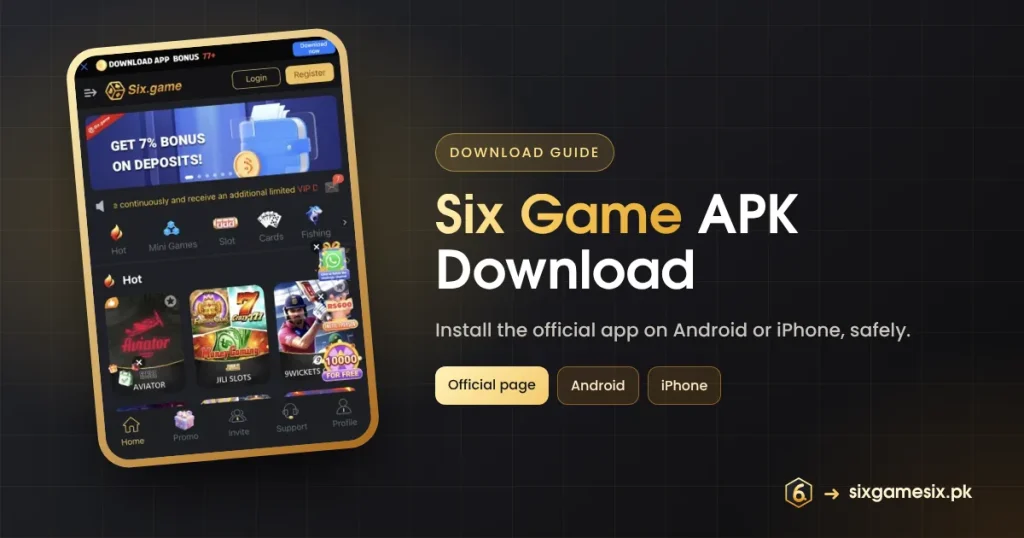
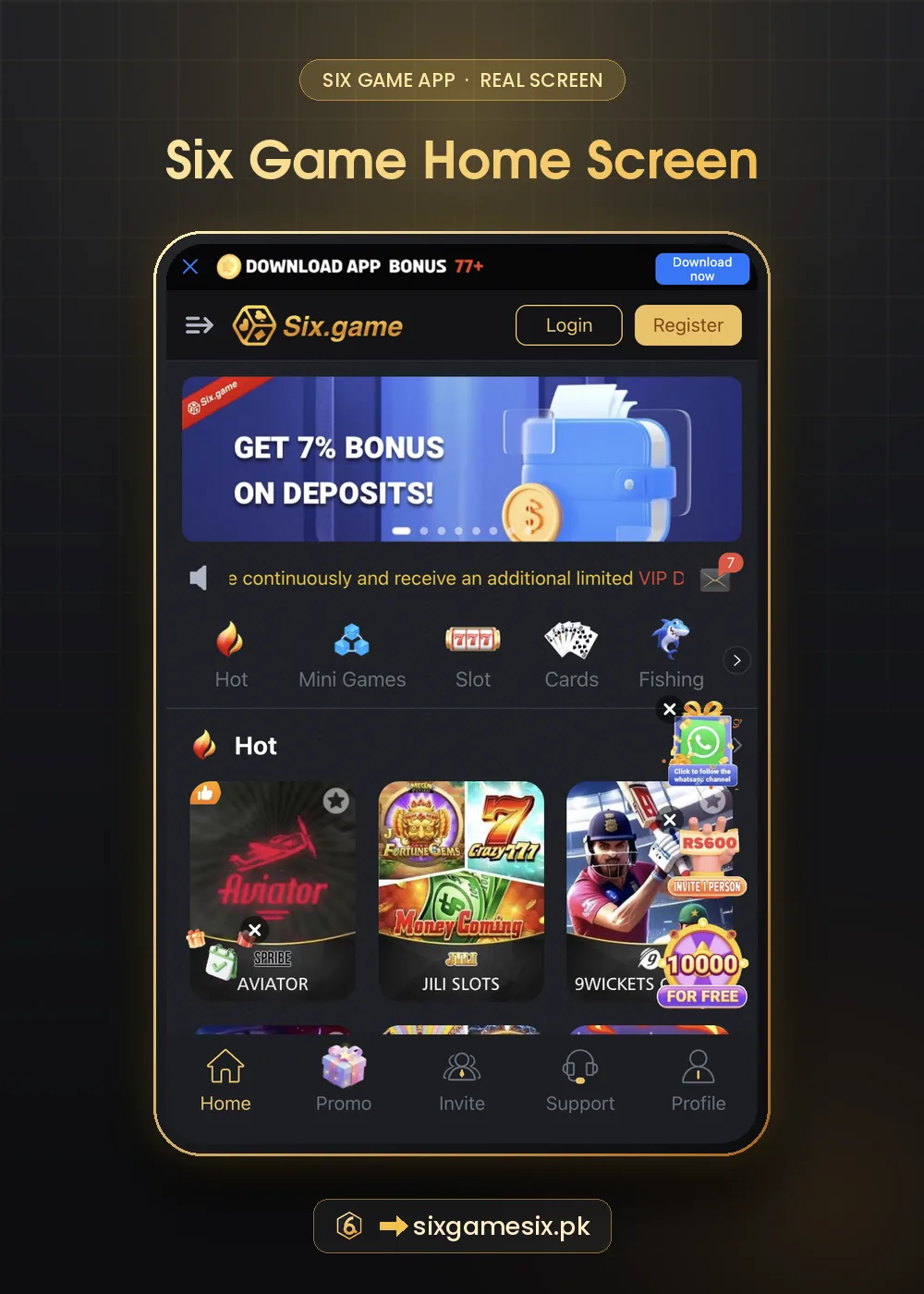
Six Game is not listed on the Google Play Store. The app is installed from the official Six Game page itself, which also lets you play straight away in a browser. Once you open that page, a black strip across the top reads “Download APP Bonus 77+” with a blue Download now button, and the Event menu has its own Download APP filter. Those two places are the real starting points for the Six Game APK download. A file forwarded on WhatsApp, posted in a Facebook group or offered on a random “APK mirror” is not the official file, even if the icon looks right.
| Option | What it does | Best for |
|---|---|---|
| Play in the browser | Opens Six Game without installing | Trying the app, low storage phones |
| Download now / Download APP | Installs the Six Game app | Regular players and app-only rewards |
| Add to Home Screen | Creates a shortcut to the web app | iPhone users when no install prompt appears |
Six Game APK Download on Android, Step by Step
- Open the official Six Game link in Chrome, not inside a chat app.
- Tap Download now on the top strip.
- If Android says the app is from an unknown source, allow Chrome for this one install.
- Open the downloaded file, tap Install, then Open.
- Register or log in, then check the Download APP event for the 77+ reward.
- Go back to Settings and switch “install unknown apps” off for Chrome.
Android shows the same warning for every app installed outside the Play Store. Google explains how Play Protect checks apps on its Play Protect help page. The real safety check is where the file came from.
Six Game on iPhone
iPhones do not install APK files. Open the official Six Game page in Safari and follow any install prompt it shows. If iOS asks you to trust a developer profile, that setting lives under Settings → General → VPN & Device Management. If no install option appears, tap the Share icon and choose Add to Home Screen; Six Game then opens full screen from its own icon and works the same way, including login, deposits and the Promo tab.
What “Download APP Bonus 77+” Means
The strip tells you there is a reward for using the installed app, starting at 77. The plus sign means the amount can be higher; it is not cash that lands the moment the install finishes. Open Promo, then Event, then the Download APP filter to read the exact task and its rules. Like most Six Game rewards, it may carry a betting requirement before it can be withdrawn. Read the Six Game bonus overview to see how it fits with the first deposit reward and the +7% fund.
Fixing Six Game APK Download Problems
| Problem | What to try |
|---|---|
| Download does not start | Open the link in Chrome or Safari, not in WhatsApp’s built-in browser |
| “App not installed” | Free up storage, uninstall any older copy, then install again |
| Blocked by Play Protect | Confirm you are on the official page; only then choose “Install anyway” |
| Blank or white screen | Check your data or Wi-Fi, close the app fully and reopen |
| Old version keeps opening | Uninstall, restart the phone and download again from the official page |
| Stuck on loading | Clear the app cache in Settings → Apps → Six Game → Storage |
Free Up Space Before Installing
Budget phones often fail installs because storage is nearly full. Delete old APK files from the Downloads folder, clear the cache of large apps and move photos and videos to cloud storage. Two to three hundred megabytes of free space is a comfortable margin for the Six Game app and its updates.
Is the Six Game APK Download Safe?
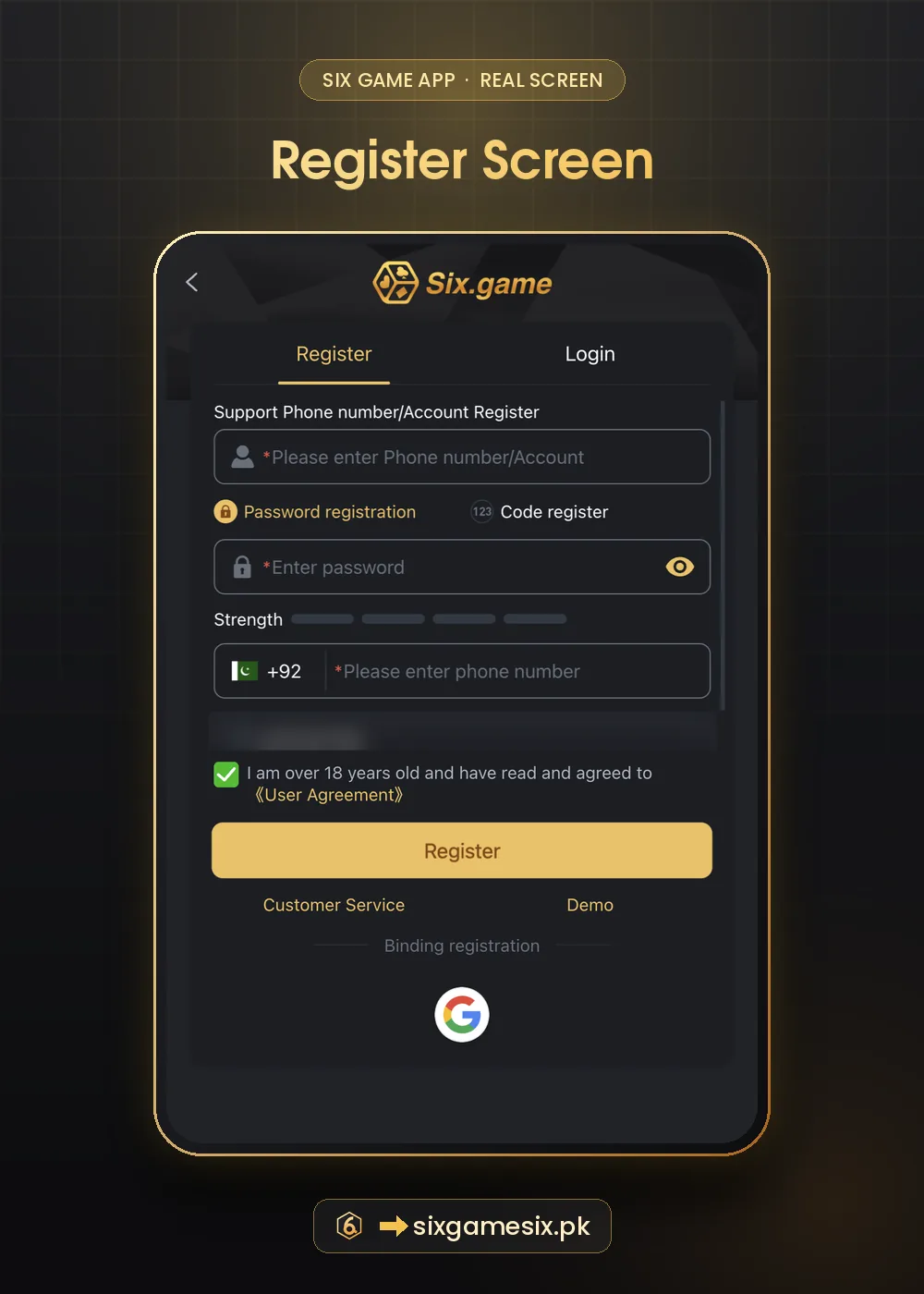
The biggest risk with any app installed outside the Play Store is a modified copy. A fake Six Game APK can look identical while recording your password, reading SMS codes or showing a fake deposit page. Start from the official page, never install a file someone sends you, and check that the installed app shows the same Six.game logo and the same Login and Register screens shown on this site. Refuse permissions that make no sense for a game, such as access to your contacts or SMS.
- Official page or trusted button only.
- No forwarded APK files, “mod” versions or “hack” builds.
- Keep Android, iOS and Chrome updated.
- Turn the unknown-apps permission off after installing.
Updating the Six Game App
When a new version is ready, the app usually prompts you. If it does not, download again from the same official page and install over the old version. Your balance, VIP level and records are stored on your account, not on the phone, so updates do not remove them. If something looks wrong after an update, log out, log in again and contact support before reinstalling anything from another source.
After the Six Game APK Download
Create your account with our Six Game register guide, bookmark the official website guide so you always land on the real page, and read the first deposit bonus guide before you top up. If you would rather learn the games first, the Demo button on the Login screen lets you practise without money.
Six Game APK Download FAQ
Is the Six Game APK on Google Play?
No. The Six Game APK download comes from the official Six Game page.
Is the Six Game APK download free?
Yes. Downloading, installing and registering cost nothing.
How much is the Six Game download bonus?
The app shows 77+. The exact amount and rules are in the Download APP event.
Can I use Six Game without installing?
Yes. The official page works in Chrome or Safari, and iPhone users can add it to the Home Screen.
Why does my phone warn me before installing?
Android warns about every app from outside the Play Store. Install only from the official page.
Will updating delete my balance?
No. Your balance is stored on your account, not on the phone.